Market
The Market is the auction house of the server: put an item up for WCoin(C), Goblin Points or jewels, and buy what the others sell, even while they are offline.
OpenThe Market button by the inventory, or U
CurrenciesWC, GP, Bless, Soul, Chaos, Life
Time on sale1, 3, 7, 14 or 30 days
Tax5–15%, paid by the seller
The window
Switch the tabs to see each part of the window. The items and sellers here are an example.
MARKET
AllWeaponsHelmsArmorsPantsGlovesBootsWingsPetsPendantsRingsOthers
AllWCGPBlessSoulChaosLife
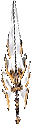 Divine Sword of ArchangelBlade · 6d 2h+15EXC250,000WCoin(C)Buy
 Wing of StormLumen · 11h 20m+138,800WCoin(C)Buy
 Pendant of IceMage · 13d 9h+15EXC9,999WCoin(C)Buy
 Ring of WindArcher · Expired+9EXC1,200WCoin(C)Buy
 Dragon ArmorYou · 27d 4h+13EXC3,000WCoin(C)Take back
‹1 / 4›
Dragon ArmorYou · 27d 4h+13EXC3,000WCoin(C)Take back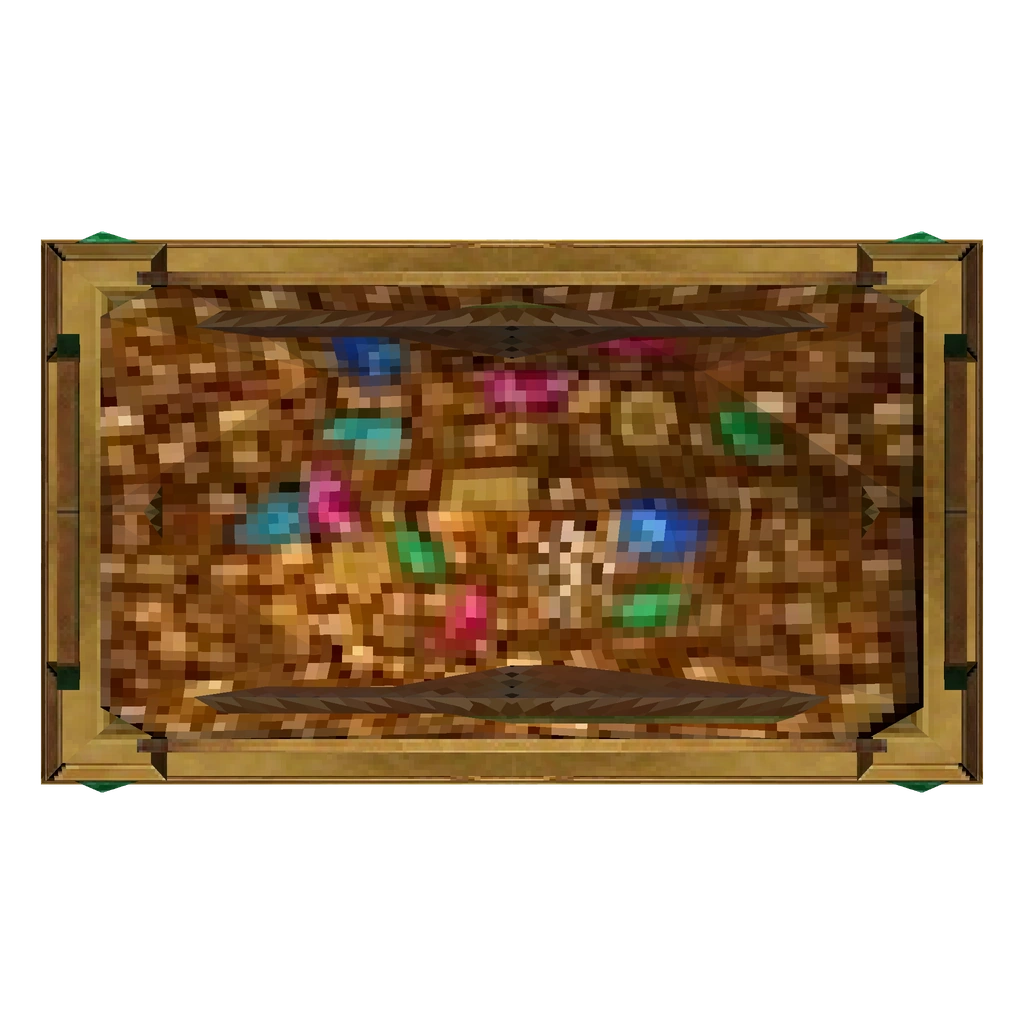 MuEurope Box +7You · Expired40Jewel of BlessTake back
Sold items disappear from here; their price is already yours.
Excellent Pendant of Ice +15Right click an item in the inventoryCurrency
WCoin(C)Goblin PointJewel of BlessJewel of SoulJewel of ChaosJewel of Life
Price
2500025,000 WCoin(C)
Days
1 d3 d7 d14 d30 d
Tax 10%
You receive22,500 WCoin(C)
List itemYou receive22,500 WCoin(C)
Buying
- Open Browse, pick a kind of item on the left and a currency above the list.
- Point at an item to see all its options; the seller and the time left are under its name.
- Press Buy and confirm: the item goes to your inventory.
- A price in jewels (Bless, Soul, Chaos, Life) is paid from your Jewel Bank, not from the inventory.
- Keep room in the inventory, and you cannot buy your own item.
Selling
- Open Sell item and right click the item in your inventory.
- Choose the currency, write the price (1 to 2,000,000,000) and how many days it stays.
- The card shows the tax and what you receive. Press List item: the item leaves your inventory and the whole server is told.
- When it is sold you get the price minus the tax: coins to your account, jewels to your Jewel Bank. Offline, you get it at the next login.
- My listings shows your items; Take back returns one to the inventory. An item whose days are over stays there, unseen by the others, until you take it back.
- Items that cannot be traded and time-limited items cannot be sold.
To show an item in the chat without selling it, hold Ctrl and right click it in the inventory.